Professional Certificate in Adobe Premiere pro
Rs. 5 000/=
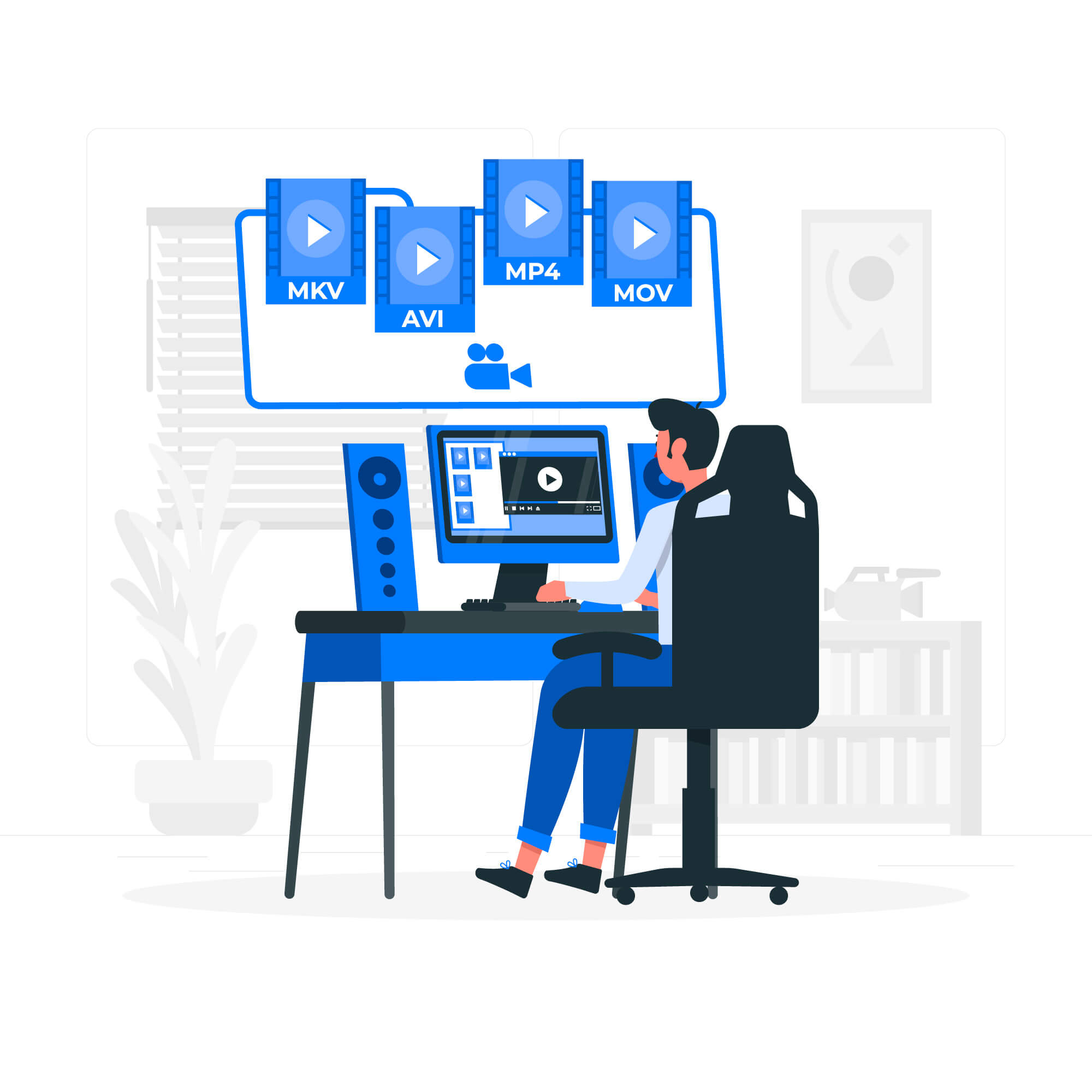
Adobe Premiere Pro is a leading video editing software used by professionals and enthusiasts alike to create and edit high-quality video content.Dive into the world of video editing with our in-depth Adobe Premiere Pro course. Designed for both beginners and experienced editors, this course offers a structured approach to mastering one of the most powerful video editing tools available. From understanding the basics to exploring advanced techniques, you’ll gain the skills needed to produce polished, professional-quality videos.
Entry Requirements:
- Basic understanding of computer
- Enthusiasm for learning adobe premiere pro from the ground up
Overview
Course Description
Unlock the full potential of Adobe Premiere Pro and elevate your video editing skills with our comprehensive course designed for aspiring editors and content creators. Whether you’re new to video editing or looking to refine your skills, this course will guide you through every aspect of Premiere Pro, from the basics to advanced techniques
Course Objectives
Navigate the Premiere Pro Interface
- Understand the workspace, including panels, timelines, and toolbars.
- Customize the interface to fit your workflow preferences.
Import and Organize Media
- Organize your media using bins, labels, and metadata for efficient workflow.
- Import various media types including video, audio, and images.
Basic Editing Techniques
- Perform basic edits such as cutting, trimming, and splicing clips.
- Use the timeline to arrange and sequence your footage effectively.
Advanced Editing and Effects
- Apply advanced editing techniques including transitions, keyframing, and motion effects.
- Use effects and color correction tools to enhance video quality and achieve the desired look.
Audio Editing and Mixing
- Edit and enhance audio tracks, including noise reduction and audio effects.
- Mix audio levels and synchronize sound with video for a cohesive final product.
Text and Titles
- Create and animate text and titles using Premiere Pro’s text tools.
- Apply and customize lower thirds, captions, and other text elements.
Exporting and Rendering
- Export videos in various formats and resolutions suitable for different platforms.
- Understand export settings and render options for optimal quality and file size.
Project Management
- Use project management tools to keep your workflow organized and efficient.
- Backup and archive projects for future use and collaboration.
Practical Projects
- Complete hands-on projects to apply the skills learned in real-world scenarios
- Receive feedback and refine your editing techniques through practical assignments.
Who Should Enroll
- Aspiring Video Editors: Individuals looking to start a career in video editing or enhance their editing skills.
- Content Creators: YouTubers, vloggers, and social media influencers who want to produce
professional-looking content. - Film and Media Students: Those studying film or media production who need to master video editing software.
Course Features
- Expert Instruction: Learn from experienced video editors with in-depth knowledge of Adobe Premiere Pro.
- Interactive Learning: Engage with practical exercises, tutorials, and real-world projects.
- Resourceful Materials: Access a variety of learning materials including video demonstrations, cheat sheets,
and project files.
Enroll Today
- Transform your video editing skills and create compelling, high-quality videos with Adobe Premiere Pro.
- Enroll in our course and start your journey toward mastering one of the industry’s most powerful video editing tools!
- Feel free to customize this description based on specific details about your course or target audience.
For More Details
We provide all the materials, presets, fonts, and effects you need for practice. Additionally, you’ll receive the essential templates and tools required to work effectively in the field.
Curriculum
Have any questions? Reach out via info@luminastudios.lk
what we student says
“This course made learning video editing so easy! The lessons were clear and practical.”
“I loved how hands-on the training was. I now feel confident creating professional designs.”
“The instructor explained everything so well, even advanced techniques felt simple.”

“I now feel confident using Premiere Pro and After Effects thanks to the clear and detailed lessons.”
“The course exceeded my expectations—I loved learning about storytelling and editing techniques!”